Clone Item
From the Item List click the  More Button of an Item.
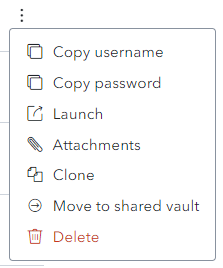
The following screen is displayed.
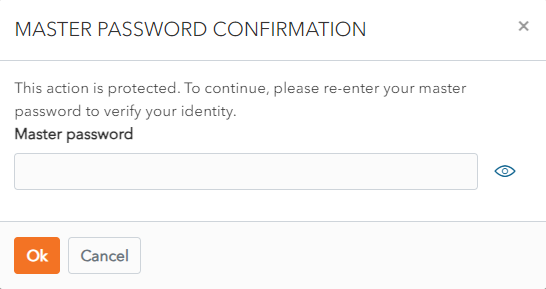
Enter Master Password and click Ok.
A Clone is created.
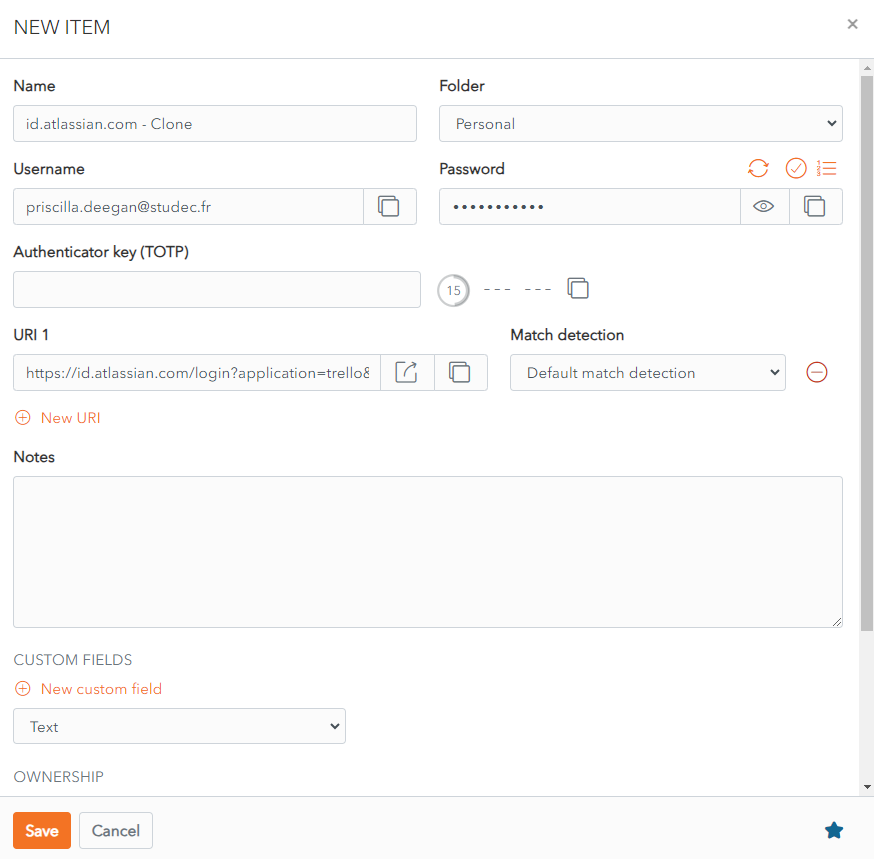
Click Save to Save the Cloned Item
Alternatively, click Cancel to cancel the operation.
From the Item List click the More Button of an Item.
The following screen is displayed.
Enter Master Password and click Ok.
A Clone is created.
Click Save to Save the Cloned Item
Alternatively, click Cancel to cancel the operation.