# Create WALLIX Entreprise Vault account
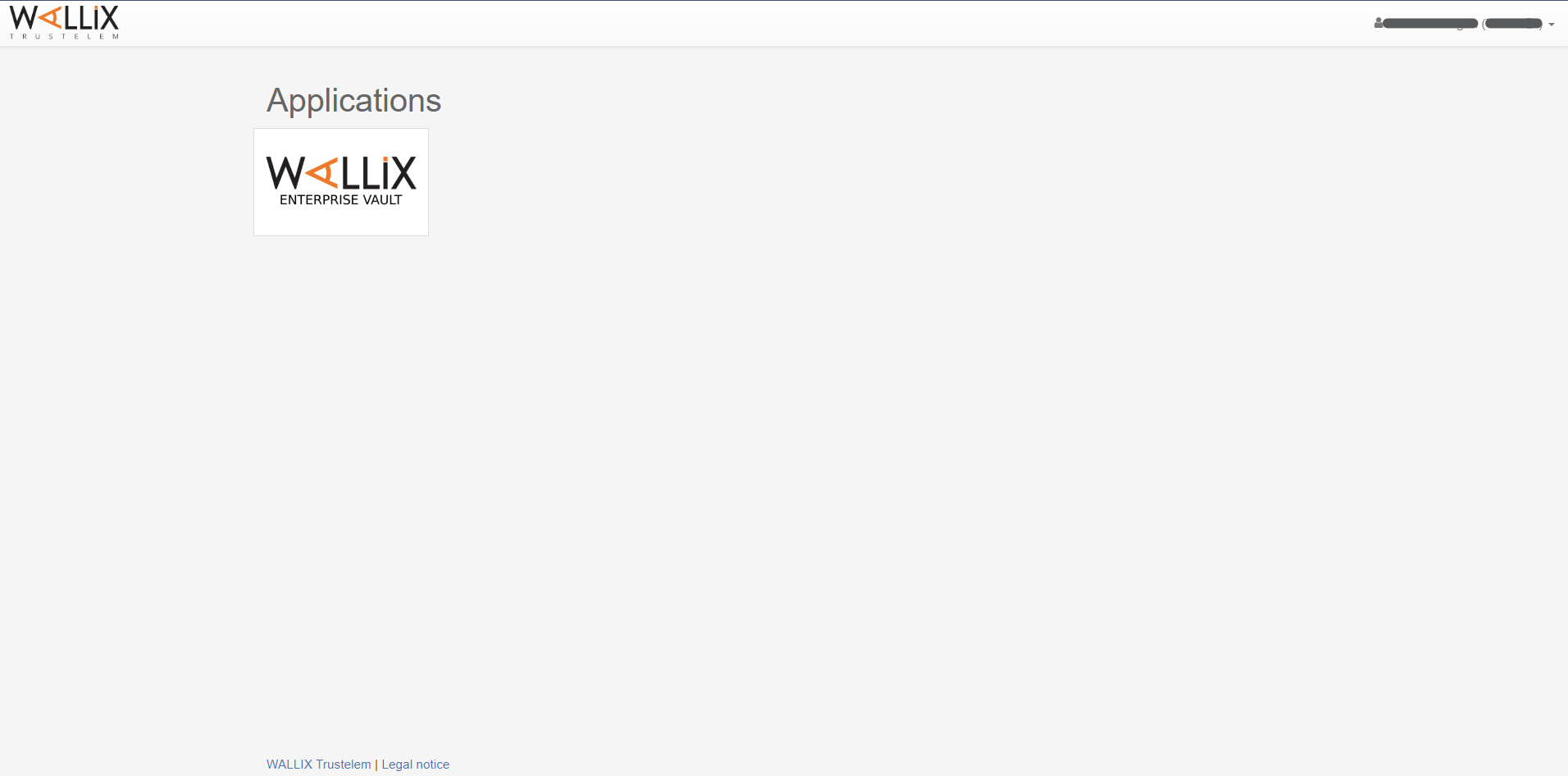
Click on the WALLIX Enterprise Vault application in the WALLIX Trustelem website.
[](https://vault-doc.wallix.com/uploads/images/gallery/2023-11/en-login-step-1-portal.png)
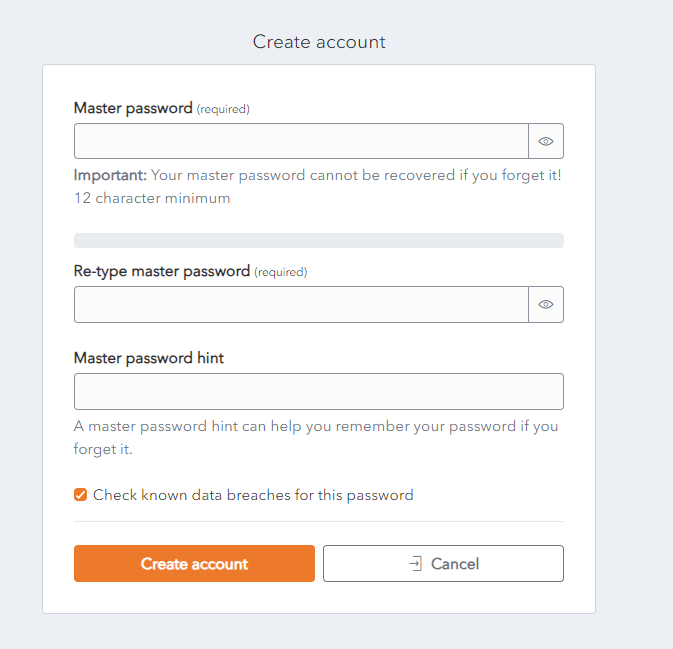
The **first time you enter** your WALLIX Enterprise Vault you will be presented with a **Create Account** screen.
[](https://vault-doc.wallix.com/uploads/images/gallery/2023-11/create-account.png)
Choose a Master Password and enter it in the **Master Password** field.
Re-enter the Primary Password chosen in the **Re-type master password** field.
Enter a Password Hint in the [**Master password Hint**](https://vault-doc.wallix.com/link/48) field.
The checkbox **Check known data breaches for this password** is **checked** by **default**. Uncheck only if you do not need this check.
If you forget your Password and click on the [**Get Master Password Hint**](https://vault-doc.wallix.com/link/48) link, you will be sent the Password Hint that you created the first time you logged in. This should be a word or phrase that helps you to remember your password but doesn’t help other people to guess your password.
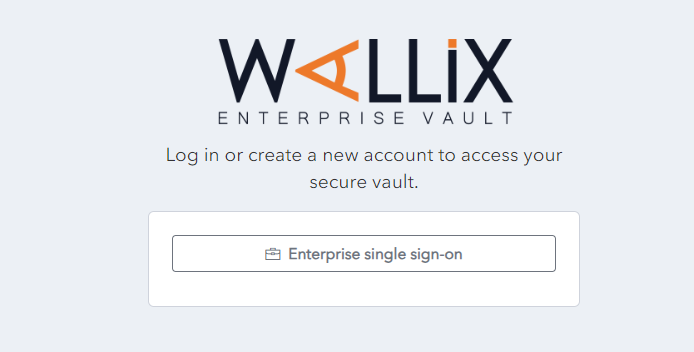
Click on the **Create Account** button to create your account. The account is created and the **Enterprise Single Sign-On Page** is displayed.
Alternatively, click **Cancel** to cancel account creation.
[](https://vault-doc.wallix.com/uploads/images/gallery/2023-11/account-created-login.png)