*For **Shared Vaults**, the **Collection dropdown** is displayed **instead** of the Folder dropdown.*
From the **File format dropdown**, choose the file format of the file to import. **Instructions** are displayed relative to the file format chosen. This field is **mandatory**. From the **Select the import file field**, locate and choose the file to import. Alternatively, **copy/paste the import file contents** to the large text field provided. Click **Import data** to start the import. The data is imported. If the **import file** is **password protected**, you will be prompted to **enter the Password** before the import can start. A **Confirmation Screen** is displayed, **summarizing** the **data imported**. Click **Ok** to return to the **Item List Screen**. [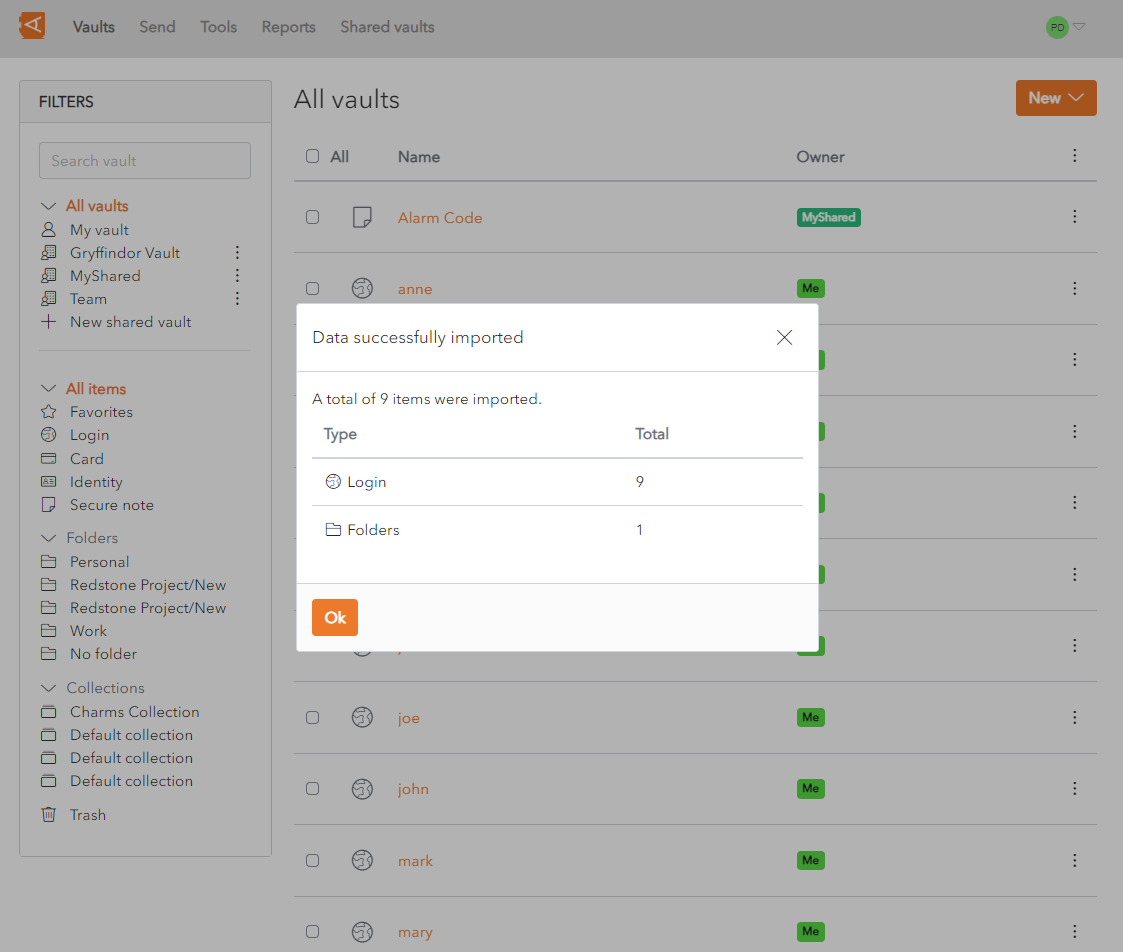](https://vault-doc.wallix.com/uploads/images/gallery/2023-11/data-imported.png)Attachments, Password History, Sends and Trash **cannot be imported** using this feature. They need to be entered manually.
*The Data Import feature **does not verify** if **items** imported are **already in your vault**. If an Item is imported and already exists in the Vault, a **duplicate** item is created.*
*When the import has finished, it is recommended that you **delete the import file** from your **computer**, for security reasons.*