Delete Collection
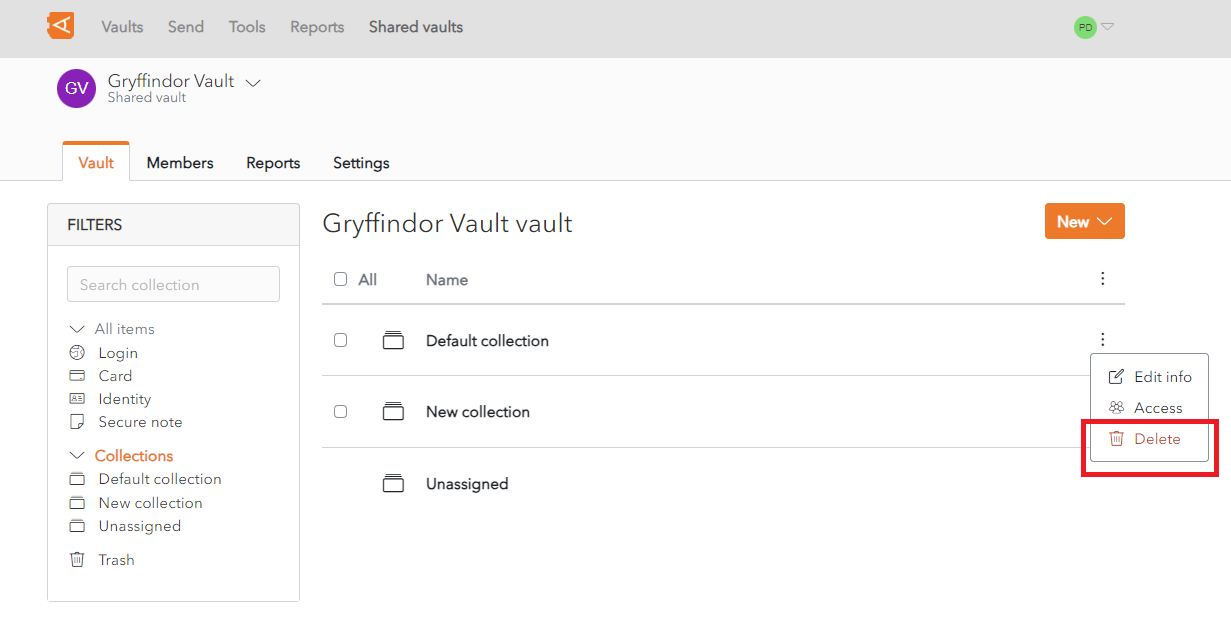
A Collection can be deleted from the Collection List Screen or from the Collection Screen.
From the Collection List Screen, click the  More button. A context menu is displayed.
Click the  Delete Button.
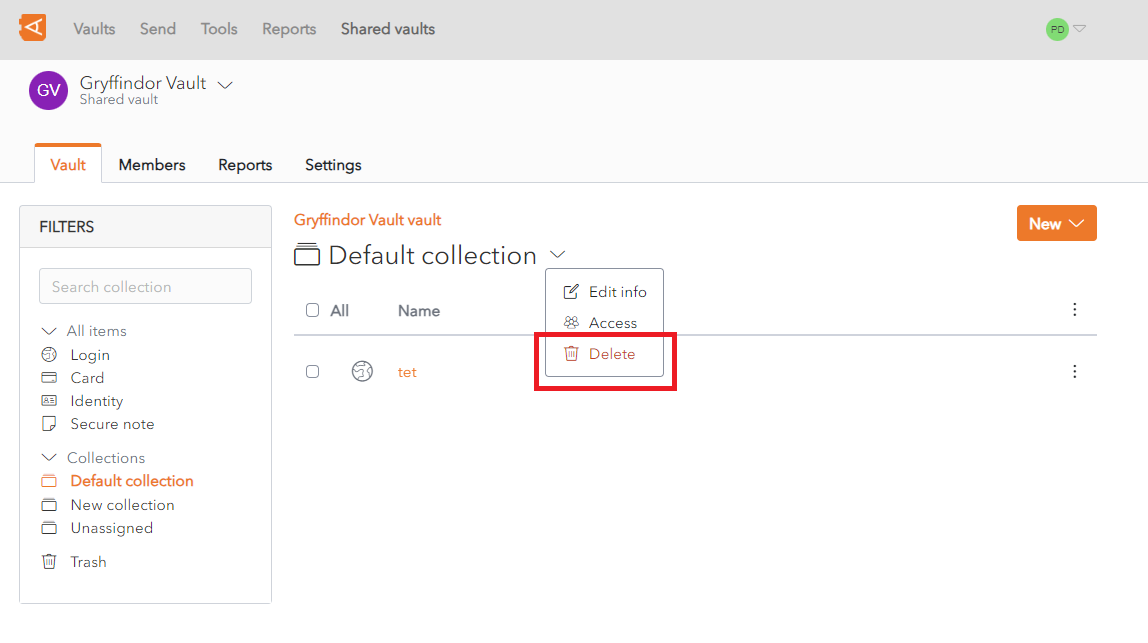
Alternatively, the Delete button can be accessed from the Collection Screen, click the  More button. A context menu is displayed.
Click the Delete Button.
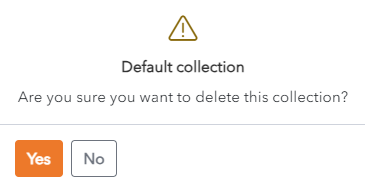
A Delete Collection Confirmation Popup is displayed.