
Login to Vault
First Level Authentication
Enter your your Email and the the Master Password you chose on first login.
You can check the Remember Me checkbox if you want to save your email and password to avoid re-entering them the next time you login.
Then click the Sign In button.
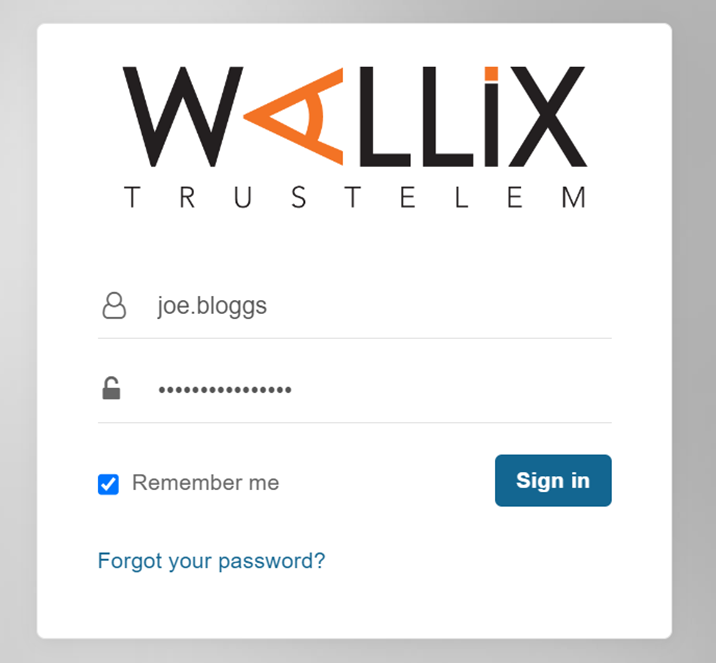
Note : If you forget your Master Password click the Forgot your password ? link at any time to request a password reset.
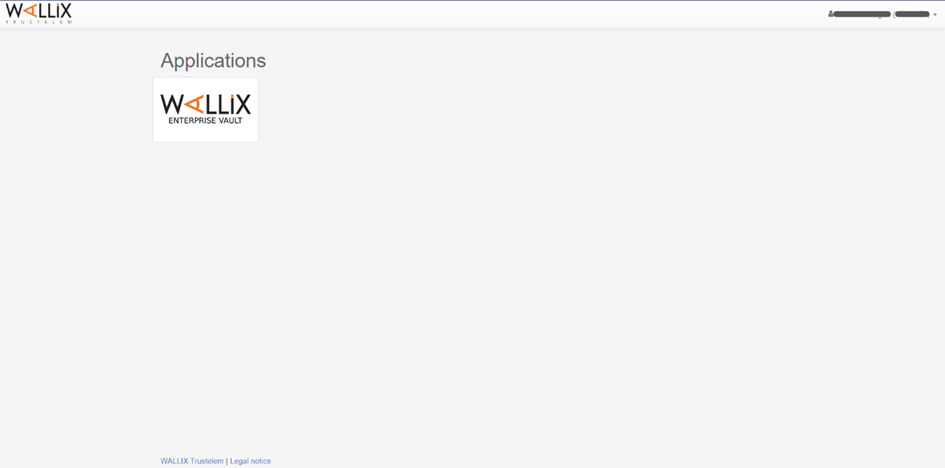
This logs you into the WALLIX Trustelem Portal.
Click on the WALLIX Enterprise Vault button to access WALLIX Enterprise Vault.
Second Level Authentication
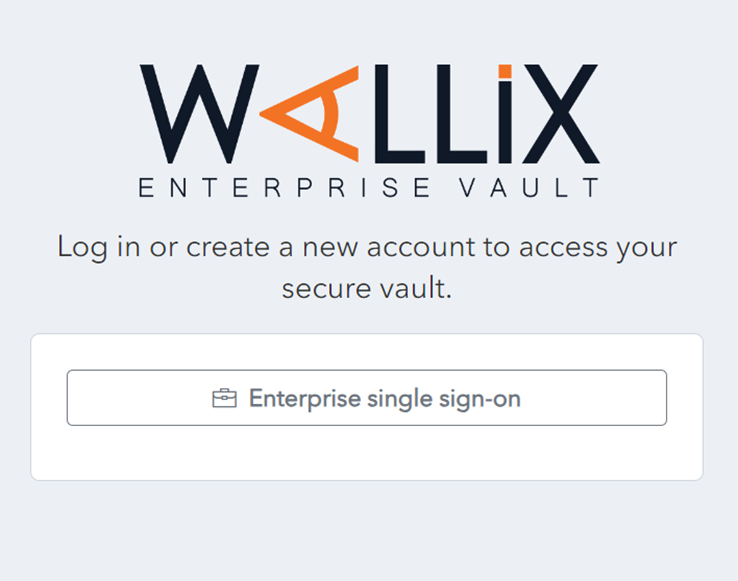
The WALLIX Enterprise Vault screen displays an an Enterprise Single Sign On button.
Click the Enterprise Single Sign On button.
Enter your Master Password and click the Unlock button. This will bring you into your Vault Home Screen.
Note Note : If you are already logged into the WALLIX Portal, you can navigate directly to your WALLIX Enterprise Vault and go straight to the 2nd level authentification.